
Paper sheets get lost
Attendance goes on paper, and in the evening someone copies it into a spreadsheet — from memory, with mistakes.
Schedule, check-ins, subscriptions and money in one system. Move your spreadsheet over in an evening — students connect with a personal link, no app store needed.
14 days free · from €19 a month · we move your data for free
Attendance goes on paper, and in the evening someone copies it into a spreadsheet — from memory, with mistakes.
Who has used how many lessons, whose package ran out and who forgot to pay — all counted by hand.
Finding out who started skipping and how much the school earned this month takes a whole evening.
Move the sliders to match your school — we will show how much money and time WinBeat brings back and how many times it pays for itself.
This is an estimate based on your numbers. We assume about 3% of revenue is lost to forgotten payments and deductions; WinBeat reminds everyone who stopped coming and at least one in five returns; the register and recounts take about 2 minutes a week per student.
Comes back to your school every month
€256
A student points the camera, signs up in a minute and lands right in your school. No app store needed.
The teacher opens Today and taps Present, Late or Absent. No internet? The mark is sent as soon as the connection is back.
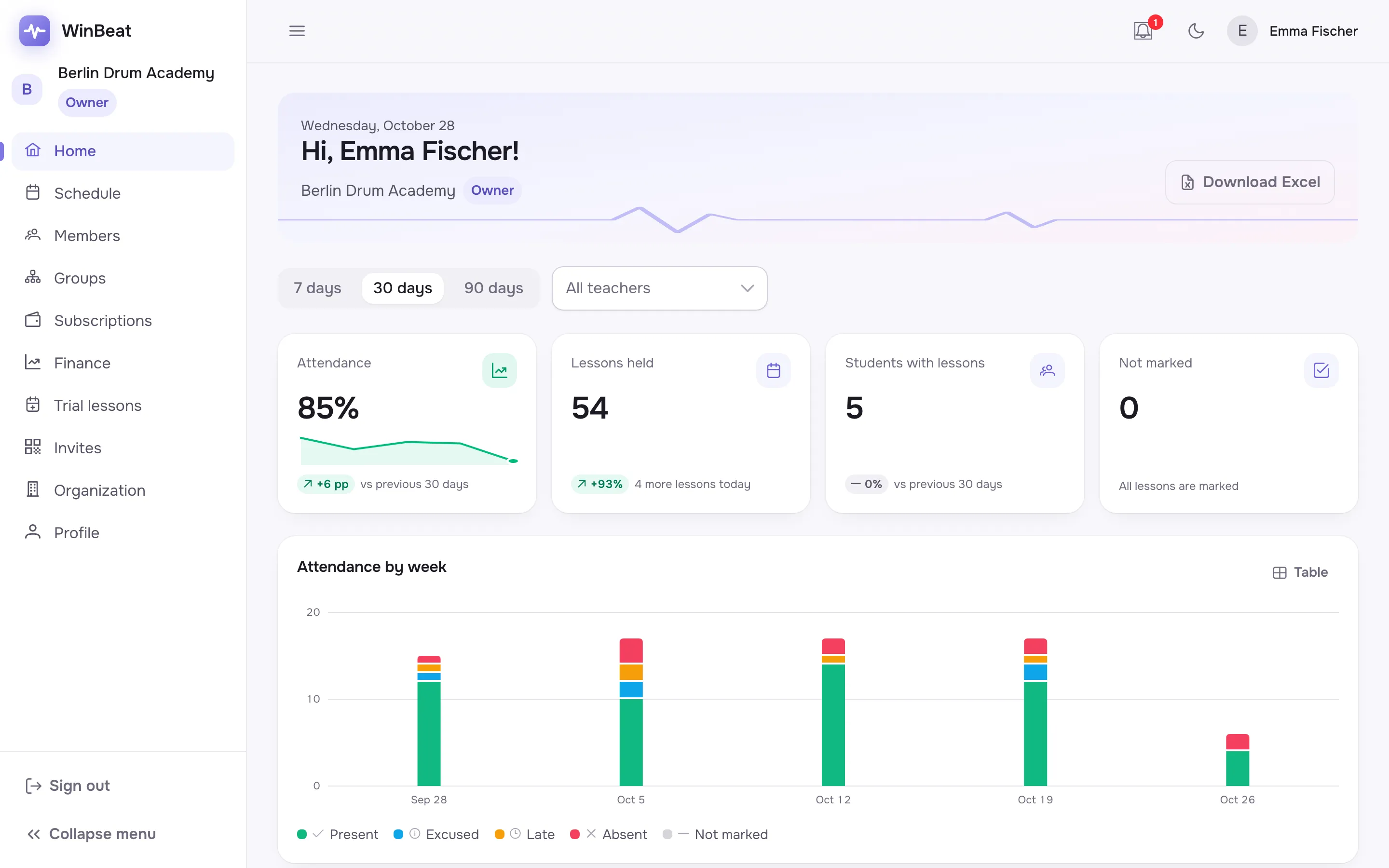
Attendance, students who started missing lessons, memberships and revenue — on the owner's dashboard. The register exports to Excel in one click.
Pick a situation and see how WinBeat handles it — no calls, spreadsheets or manual recounts.
! A child was ill, parents ask for a makeup — and someone hunts for a free place across three timetables.
! A student is away for weeks, and the subscription keeps running out.
! A teacher is ill — students need to know, and payroll must not get mixed up.
! Two groups show up in the same room at the same time — and you find out at the door.
! Half the students won’t install anything, so the school keeps records in two places.
Upload Excel or an export from another CRM — WinBeat recognises the columns, creates groups and carries over remaining lessons. Nothing to retype.
We’ll move your data for free — just send the spreadsheet when you sign up.
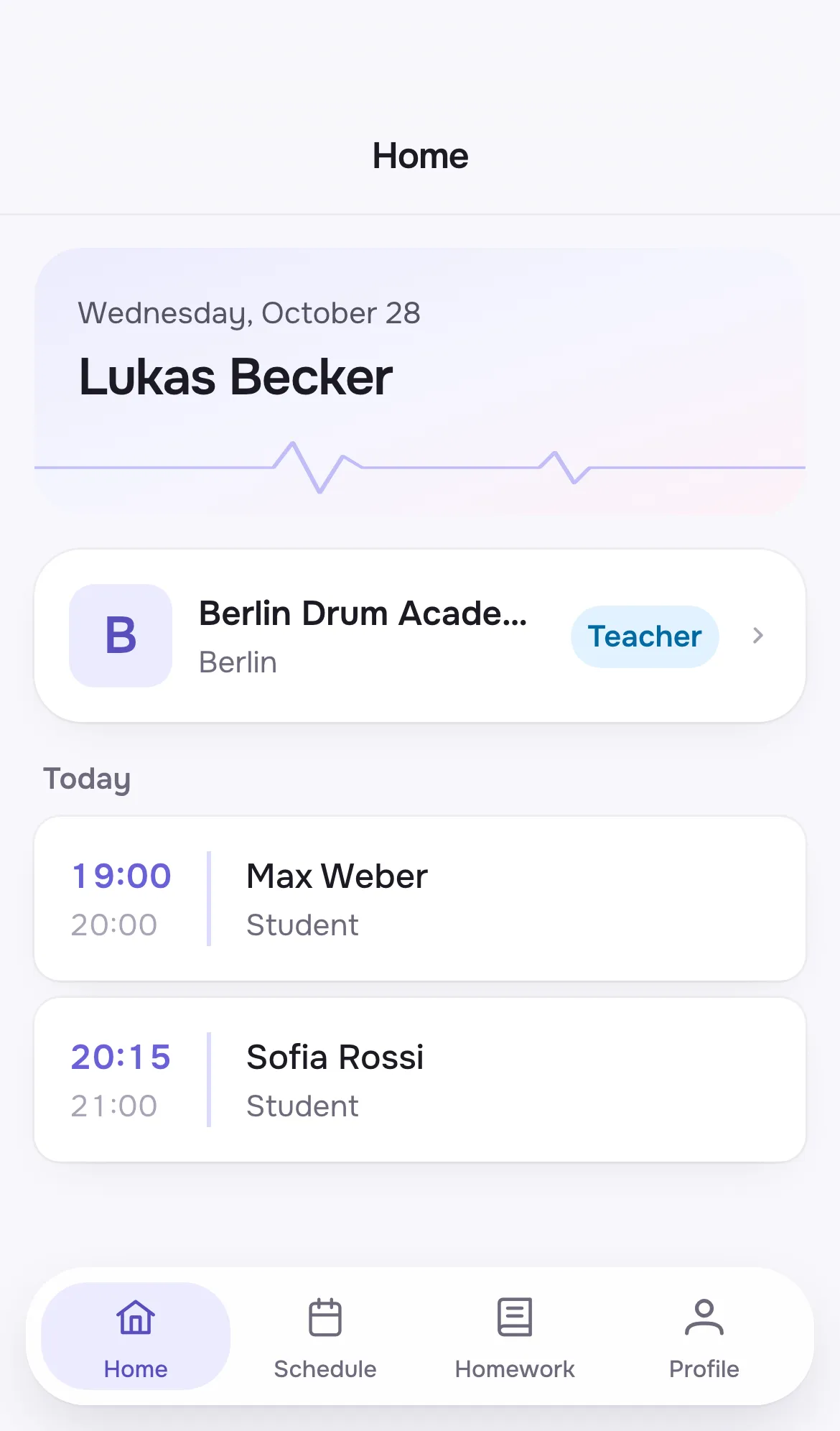
On the left is the teacher's phone, on the right the owner's dashboard. Tap Present or Absent: the lesson comes off the package, attendance updates and the student gets a reminder. This is a demo with made-up data.
Attendance with month-on-month change, load by hour of the week and a schedule you rearrange with the mouse.
The app does more than remind about lessons — it shows each student their progress, gives them something to share and turns happy students into new ones.
One-to-one and group lessons, weekly repeats, rooms without clashes. A day-by-room grid, drag to another time or room, week and month views.
Present, late, absent, excused. An unmarked lesson counts as attended an hour later.
Charged automatically, extended during illness, missed lessons made up in a group or separately.
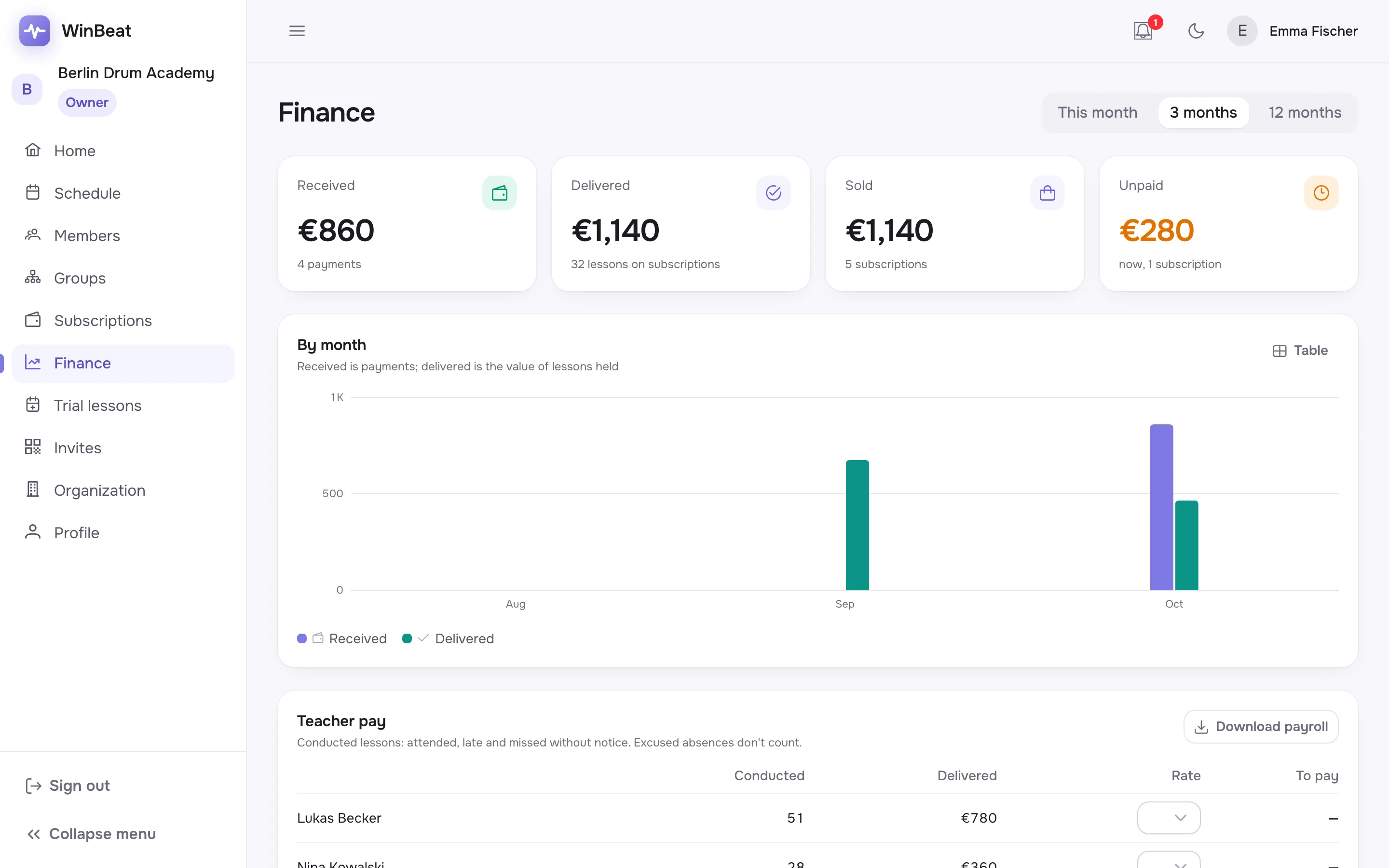
Received, sold, delivered, debts. Teacher rates and payroll in one click.
Students with absences in a row or low attendance rise to the top before it’s too late.
Push 2 hours before a lesson, on reschedules, teacher substitutions and when a subscription runs out.
Sheet music, photos, audio. Students answer with a recording, teachers reply with feedback.
A link and QR for social media: your school page with student rating and free slots, booking straight to the calendar, the request lands in the dashboard.
Students who stopped coming get an invite back. Reviews link to your map listing.
Move your spreadsheet in minutes. The attendance register looks like the paper one.
Opens from a link or QR, sits on the home screen, works on iPhone and Android.
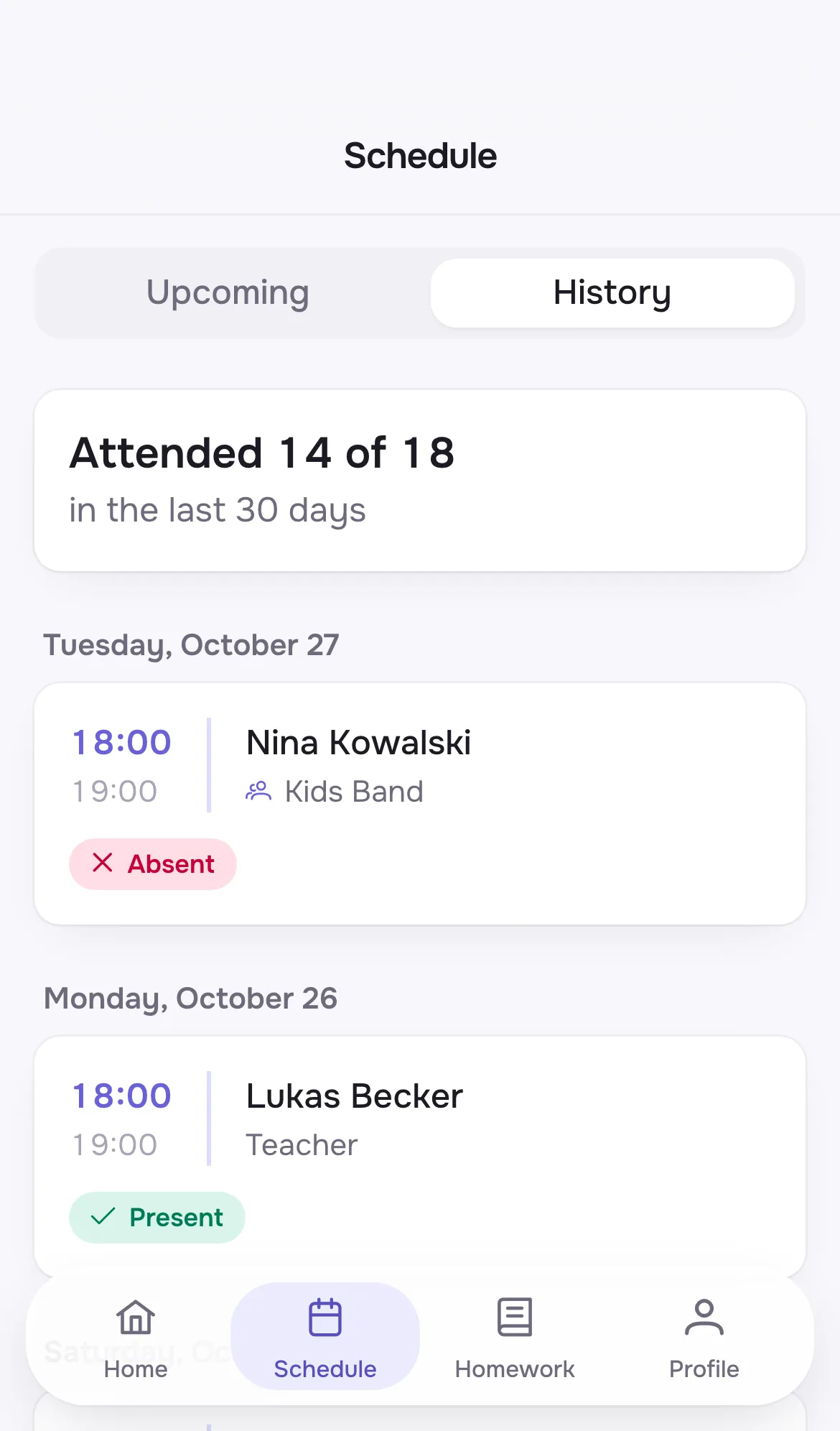
Students see attendance, weekly streaks and milestones, plus a monthly recap for stories. They want to keep going.
A trial link from a student — and the dashboard shows who brought whom. The app wears your school colors.
Interface, notifications and reports in each user’s language. Any school currency.
A dashboard on the computer: schedule, members, memberships, finances and statistics. QR invitations, password resets for students, a school profile with your logo.
An app on the phone: today's lessons with big check-in buttons, the last month's history, statistics for their own students.
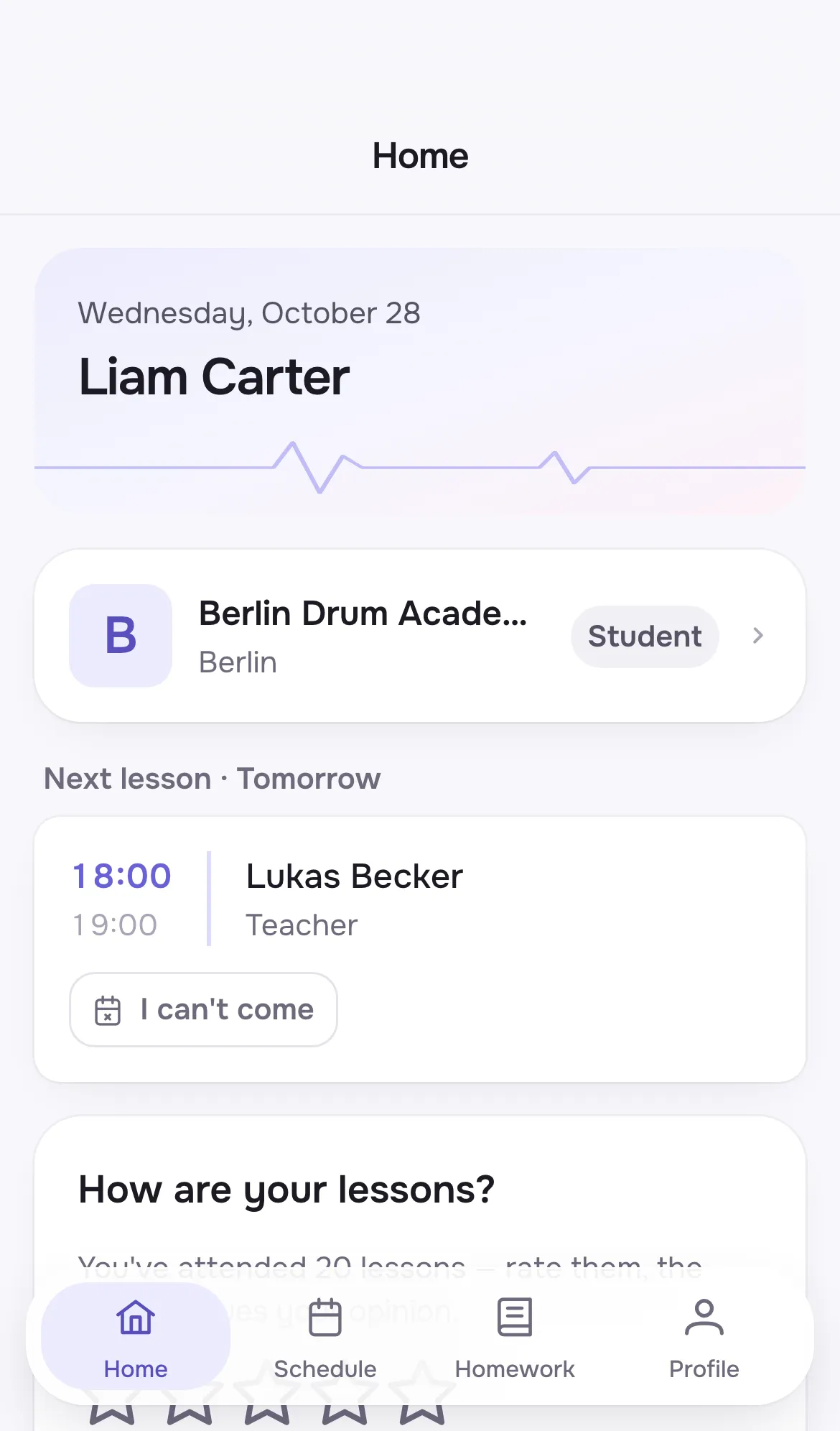
The next lesson, attendance history and lessons left in the package — no calls to the front desk.
Big buttons under your thumb, clear status colours, a dark theme, and English or Russian — your choice.
The price depends on active students — those who attended at least one lesson in the last 30 days. Archived students, leads and trial students don't count. Data migration and onboarding are free.
No limits
€0 14 days
Every feature, to move your school over and see the results.
up to 100 students
€19 per month
€15/mo billed yearly
A studio or a small school with a few teachers.
up to 200 students
€29 per month
€23/mo billed yearly
A growing school whose owner wants to see money and workload.
up to 500 students
€49 per month
€39/mo billed yearly
A big centre with dozens of teachers and groups.
More than 500 students or several schools — we'll quote on a call.
No. WinBeat opens from a link or QR code in the phone's browser. It can be added to the home screen if they like — then it opens like a regular app and sends reminders.
Teachers mark lessons as usual: the marks show on the phone right away and are sent to the server as soon as the connection is back, even if the app was closed.
The first 14 days are free with every feature. After that, from €19 a month for a school with up to 100 active students, 20% off when billed yearly. Every feature is included on every plan — student app, push, online booking, finances — no paid add-ons.
Yes. When you sign up we'll help you move students, teachers, the schedule and active packages so you can go paperless from day one.
Yes. Create a group — say, “Hip-hop, kids 8–10” — add students and put group lessons on the schedule. Each student has their own mark, package deduction, reminders and homework, and the teacher marks the whole group from one list.
The dashboard and the app are available in English and Russian; every user picks their own language. Notifications and the Excel register follow the chosen language.
Students see their attendance, weekly streak and milestones in the app, get a reminder 2 hours before each lesson and a monthly recap worth sharing. Students who start missing lessons show up in “Needs attention”, and WinBeat reminds those who left about your school.
Yes. Pick a color in “Organization” — students and teachers see the app, the invite page and trial booking in it. Your school logo is shown too.
Request access — we'll get back to you within a working day, help move your students and open 14 days for free.
Ready to start on your own? Sign up now
Request sent!
We'll get back to you within a working day. Prefer email? winbeat.company@yandex.ru.